
 Built for Shopify merchants
Stop sending Shopify's default emails.
Order confirmations, shipping updates, abandoned carts — every notification Shopify sends on your behalf, rebuilt to actually look like your store. Design once in Pagenflow, paste into your Shopify admin, done.
No app install required. Works with any Shopify plan that lets you edit notification templates.
The problem
Your customers already know what a default Shopify email looks like.
Because it's the same one sent by thousands of other stores. Here's the difference between leaving it as-is and customizing it once.
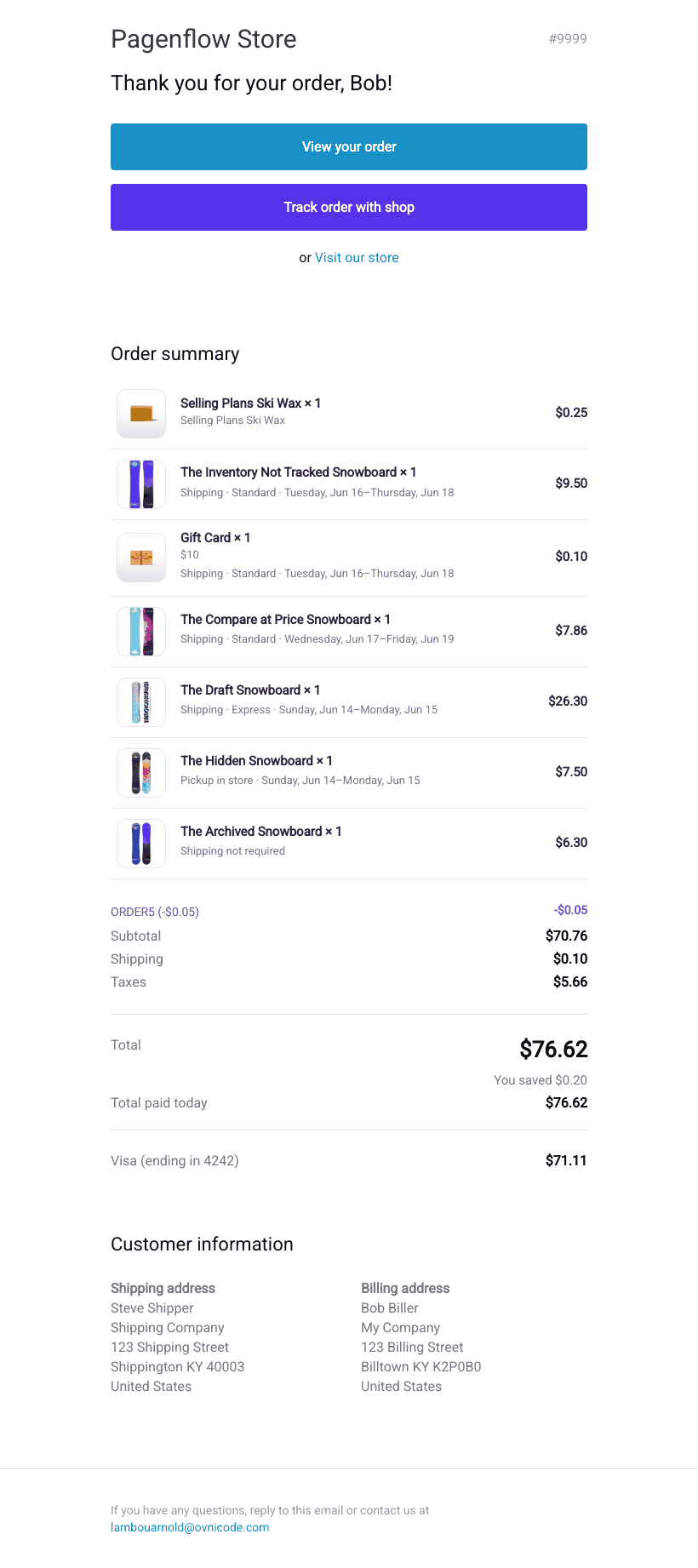
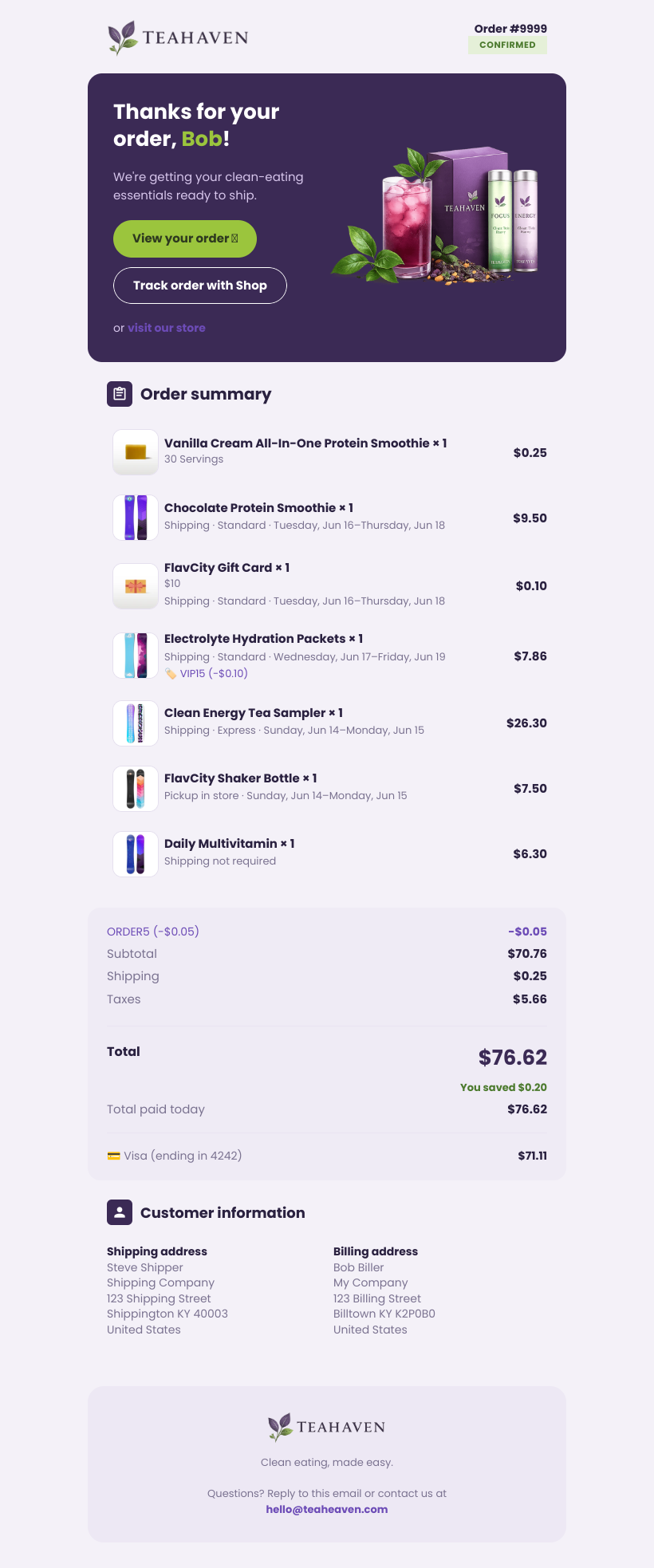
- No logo, no brand colors
- Identical to every other Shopify store
- Feels like a system message, not your brand
- Your logo, colors, and fonts
- Product cards that match your store
- Feels like an email from a brand customers trust
Why customize with Pagenflow
Built specifically for Shopify's notification system.
Drag & Drop Builder
Design order confirmations, shipping updates, and abandoned cart emails visually. No fighting Shopify's raw HTML and Liquid editor.
Shopify Variables, Built In
{{ order.name }}, {{ shop.name }}, {{ line_items }} and the rest of Shopify's notification variables map directly to blocks you can drag in.
Export Straight To Notifications
Export clean HTML, paste it into Settings → Notifications → Edit code, and your new design replaces the default template instantly.
Pixel-Perfect In Every Inbox
Tested across Gmail, Outlook, Apple Mail, and more — so the email your customer opens looks exactly like the one you designed.
Template library
Every Shopify notification, already designed.
Pick a category, pick a starting point, then customize it to match your brand in minutes.
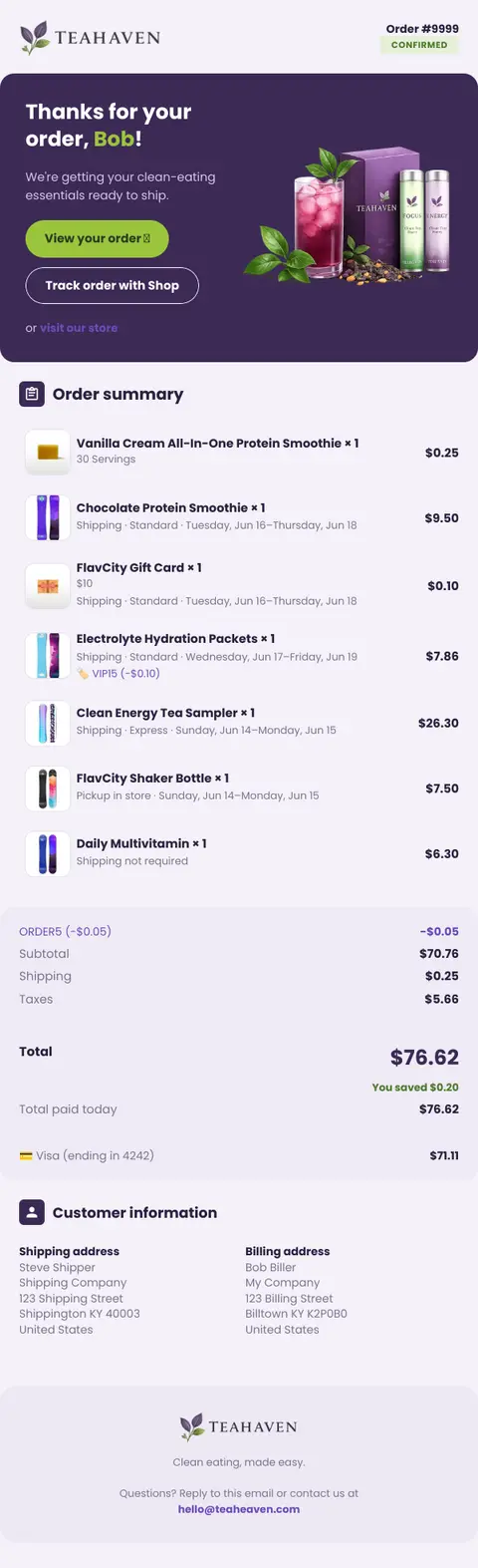
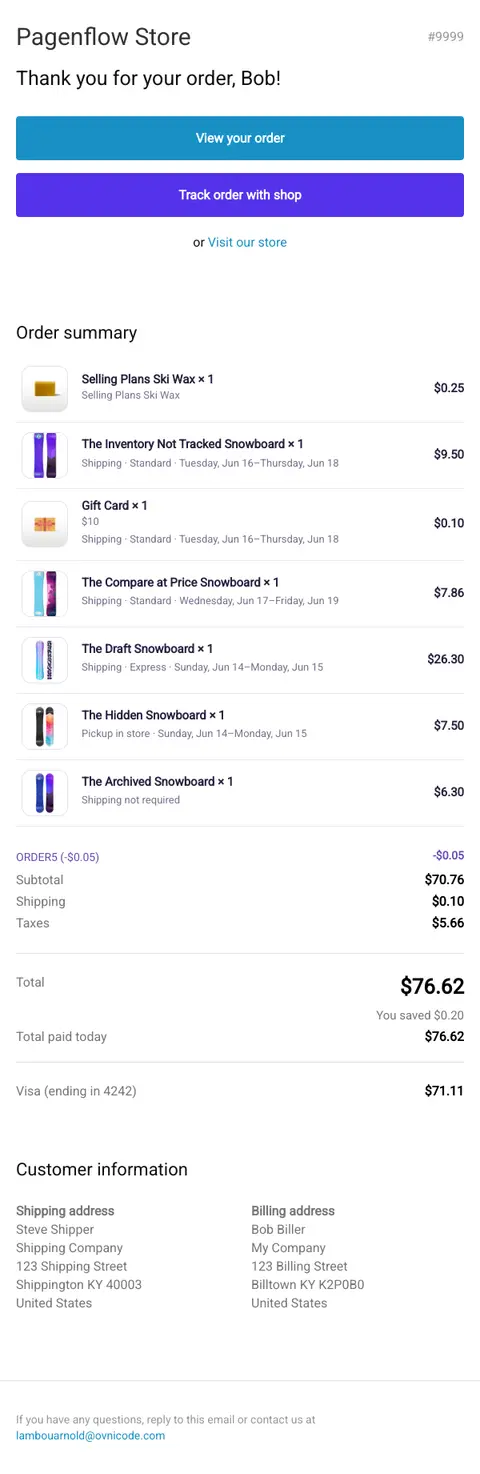
Sent when a customer places an order
Step-by-step guide
Learn how to customize your Shopify emails.
No coding background required. Follow these guides to replace any default notification with your own design.
Find your notification settings in Shopify
Where Settings → Notifications lives in your admin, and what each notification type actually controls.
Paste your exported template into Shopify
Export from Pagenflow, open Edit code on a notification, and replace the body without breaking Shopify's variables.
Understand Shopify's Liquid variables
What {{ order.name }}, {{ shop.name }} and friends actually mean — and how Pagenflow maps them to real blocks.
Test your notification emails before going live
How to send yourself a test order, preview every notification type, and roll back safely if something looks off.
Renders perfectly, everywhere.
We run automated tests on real devices for every update, so your templates hold up even in the most difficult Outlook environments.
99.9%
Render score
 litmus
Verified
 Gmail
Gmail Outlook
 Apple Mail
 Yahoo! Mail
 Superhuman
 ProtonMail
Give your Shopify emails a brand to live up to.
Start from a template, customize it to match your store, and replace the default in your Shopify admin in one afternoon.