

Stop guessing. Start building HTML emails that actually work.
If you’ve ever coded an HTML email, you’ve felt the pain.
- An email looks perfect in Chrome but breaks in Outlook.
- Gmail strips your
<style>block. - Your beautiful button disappears on dark mode.
This guide is different.
No fluff. No outdated table hell (unless you need it).
You’ll learn exactly how to create, code, test, and deliver HTML emails that rank, convert, and survive every email client.
What is an HTML email? (and why it’s not a webpage)
An HTML email is an email message written using HTML and inline CSS. Unlike plain text, it supports:
- Logos, buttons, colors, fonts
- Responsive layouts (mobile + desktop)
- Click tracking and analytics
- Basic interactivity (hover, accordions, image carousels – yes, possible)
Crucial difference from a webpage:
Email clients block JavaScript, external stylesheets, and modern CSS (Grid, Flexbox sometimes).
Instead, HTML emails rely on nested <table>s and inline CSS for universal rendering.
HTML email vs plain text: when to use each
Rule: Always send multipart MIME (HTML + plain text). If images don’t load, the plain text version saves you.
| Feature | HTML Email | Plain Text |
| Branding | ✅ Full control | ❌ None |
| Images/buttons | ✅ Yes | ❌ No |
| Tracking | ✅ Opens/clicks | ❌ No |
| Spam risk | Medium (if done poorly) | Low |
| Best for | Newsletters, promos, receipts | Personal outreach, fallback |
How to create an HTML email: 3 workflows
Choose your path:
1. No-code builder (fastest)
- Stripo, BeeFree, Unlayer
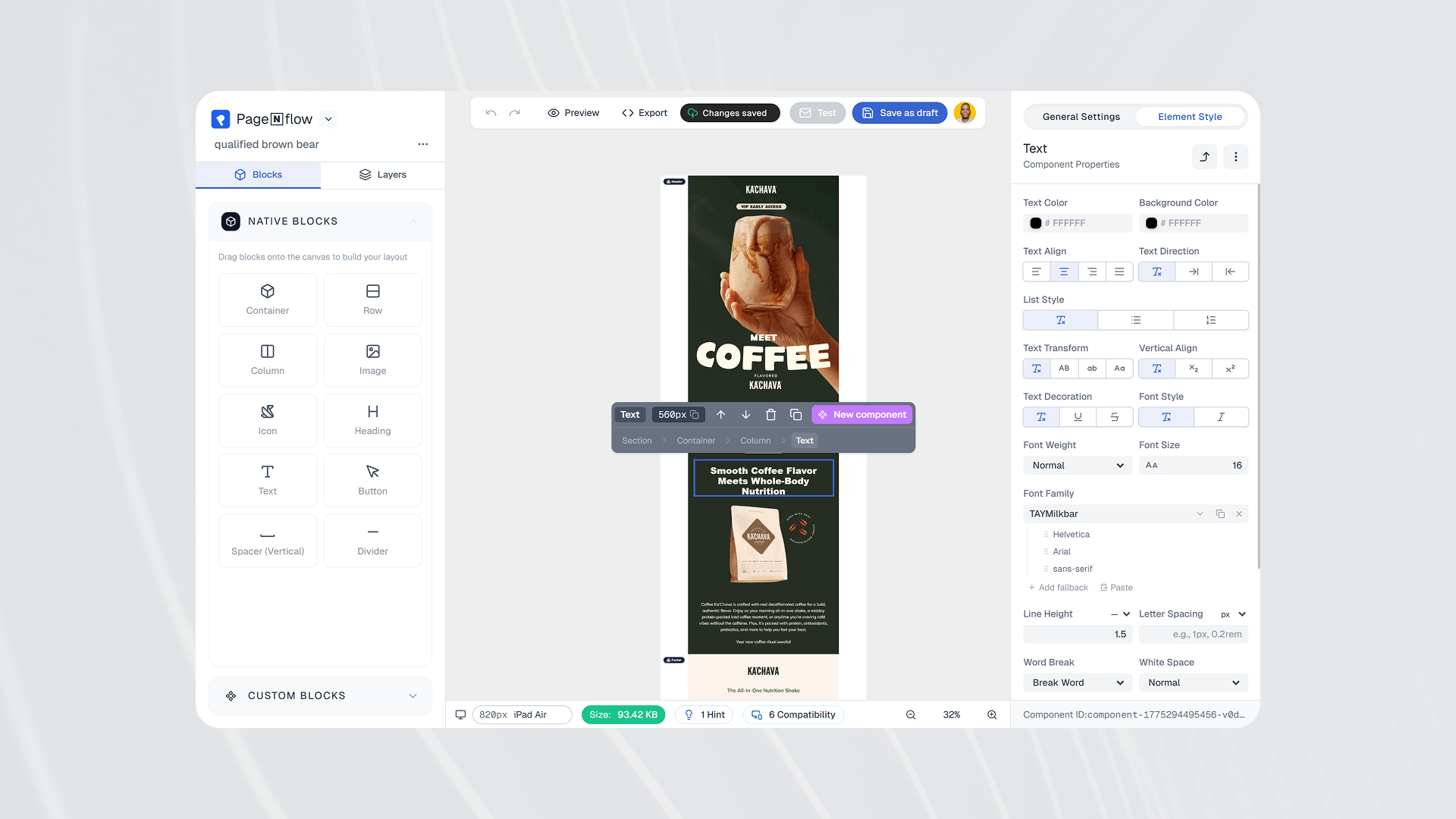
- Drag, drop, export HTML
- Best for: marketers, agencies, rapid testing
2. Hand-code (full control)
- Write HTML/CSS from scratch
- Use MJML (email framework) – saves hours
- Best for: developers, custom templates
3. Hybrid (recommended)
- Build in MJML → export HTML → test in Email on Acid / Litmus
- Best for: scale, team collaboration
Step-by-step: code a responsive HTML email from scratch
Let’s build a bulletproof email template.
Step 1 – Basic structure (table-based)
<!DOCTYPE html>
<html>
<head>
  <meta charset="UTF-8">
  <meta name="viewport" content="width=device-width, initial-scale=1">
  <title>HTML Email Example</title>
  <style>
    @media only screen and (max-width: 600px) {
      .responsive-table { width: 100% !important; }
      .stack td { display: block !important; width: 100% !important; }
    }
  </style>
</head>
<body style="margin:0; padding:0; background:#f4f4f4;">
  <table width="100%" cellpadding="0" cellspacing="0" role="presentation">
    <tr>
      <td align="center">
        <table width="600" class="responsive-table" cellpadding="0" cellspacing="0" style="border-collapse:collapse;">
          <!-- header -->
          <tr>
            <td style="background:#2C3E50; padding:20px; text-align:center;">
              <h1 style="color:#fff; margin:0;">Your Brand</h1>
            </td>
          </tr>
          <!-- hero image -->
          <tr>
            <td style="padding:0;">
              <img src="https://placehold.co/600x200" alt="hero" width="600" style="width:100%; height:auto; display:block;">
            </td>
          </tr>
          <!-- content -->
          <tr>
            <td style="background:#fff; padding:30px; font-family: Arial, sans-serif; font-size:16px; line-height:1.5;">
              <h2>Welcome, {{first_name}}!</h2>
              <p>This is a responsive HTML email that works in Gmail, Outlook, and Apple Mail.</p>
              <!-- button -->
              <table cellpadding="0" cellspacing="0" style="margin:20px auto 0 auto;">
                <tr>
                  <td align="center" style="background:#3498db; border-radius:4px;">
                    <a href="https://example.com" style="display:inline-block; padding:12px 24px; color:#fff; text-decoration:none; font-weight:bold;">Claim your offer →</a>
                  </td>
                </tr>
              </table>
            </td>
          </tr>
          <!-- footer -->
          <tr>
            <td style="background:#ecf0f1; padding:20px; text-align:center; font-size:12px;">
              <a href="https://example.com/unsubscribe">Unsubscribe</a> | © 2026
            </td>
          </tr>
        </table>
      </td>
    </tr>
  </table>
</body>
</html>
Step 2 – Must-have inline styles
Always use inline CSS for critical styling. Email clients like Outlook (Word engine) ignore <style> blocks.
✅ Good:
<p style="font-family: Arial, sans-serif; font-size: 16px;">Hello</p>
❌ Bad (often ignored):
<style> p { font-family: Arial; } </style>
Step 3 – Make it responsive
Add a single media query inside the <style> block:
@media only screen and (max-width: 600px) {
  .responsive-table { width: 100% !important; }
  .stack td { display: block !important; width: 100% !important; text-align: center !important; }
  .btn { padding: 12px 16px !important; }
}
Step 4 – Add a plain text version (MIME)
When sending via SMTP (Mailtrap, SendGrid, AWS SES), include both MIME parts:
Content-Type: multipart/alternative; boundary="alt"
--alt
Content-Type: text/plain

Hi, your order #1234 is confirmed.
--alt
Content-Type: text/html

<html>...order details...</html>
--alt--
Most ESPs do this automatically.
Tools that will save you hours
ToolPurposeMJMLWrite responsive email code 10x fasterEmail on AcidTest across 100+ clientsLitmusPreviews + spam testingStripoDrag-drop + HTML exportMailtrapTest emails before sending (no spam to real users)Can I emailCheck CSS/HTML support per client
HTML email deliverability: get to the inbox
Even perfect code won’t help if you land in spam.
✅ Do this:
- Authenticate with SPF, DKIM, DMARC (required by Gmail/Yahoo 2024+)
- Keep text-to-image ratio ~60/40
- Use a dedicated IP if sending >100k/month
- Include a one-click unsubscribe
- Warm up new domains slowly
❌ Avoid:
font-weight: 900(some clients crash)- JavaScript (blocked by almost all)
divlayouts (use tables)- “Free”, “guarantee”, “act now” in subject lines (not deadly but risky)
- Buying email lists (destroys reputation)
Real-world HTML email templates (copy-paste)
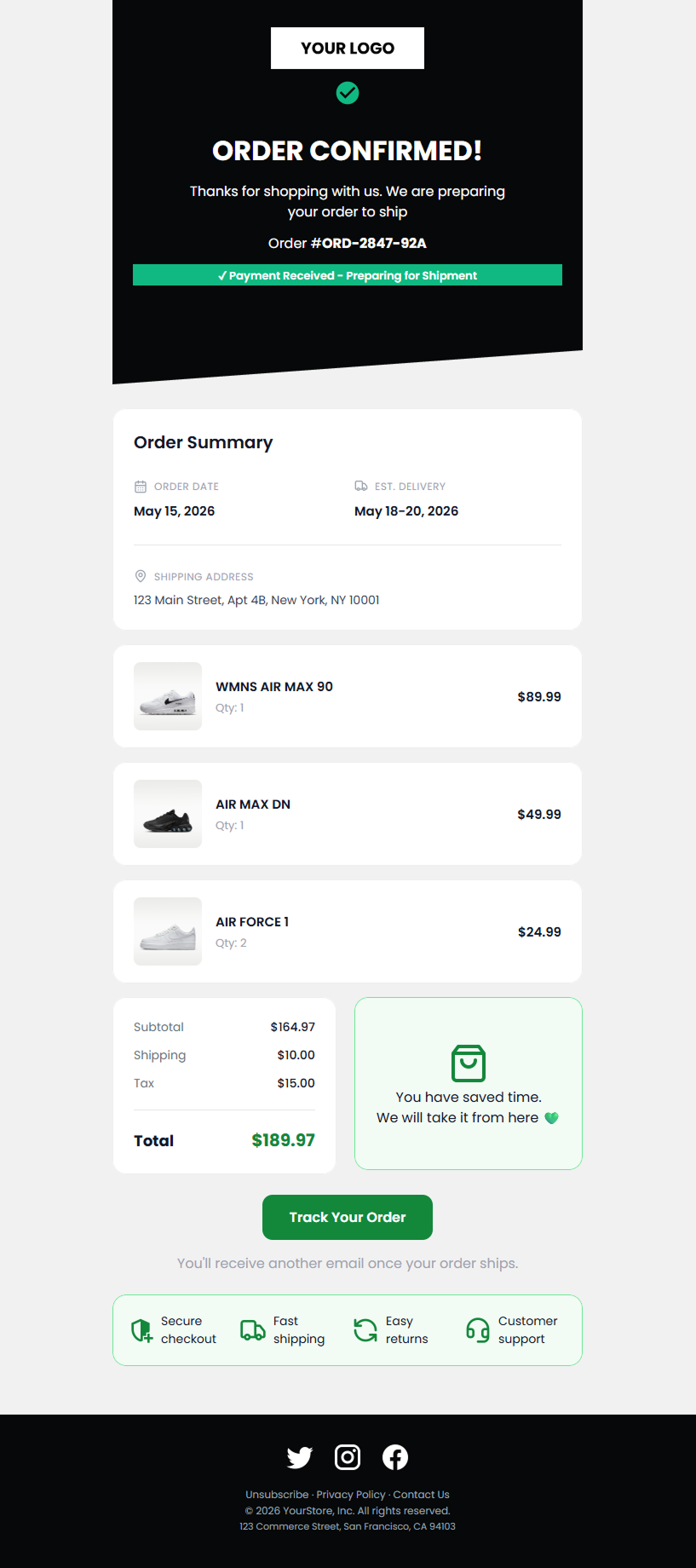
Order confirmation
<table width="100%">
  <tr><td>Item: Blue T-shirt</td><td>$25</td></tr>
  <tr><td><strong>Total</strong></td><td><strong>$25</strong></td></tr>
</table>
Welcome email
<h1>Welcome, {{name}}!</h1>
<p>Confirm your email to get started.</p>
<a href="{{confirm_link}}" style="background:#28a745; padding:10px 20px; color:#fff;">Confirm</a>
Price drop alert
<p>Price dropped from $99 to <strong>$69</strong></p>
<a href="{{product_link}}">Shop now →</a>
Testing: the step most people skip
Before you hit send:
- HTML validation – use W3C validator + Email on Acid
- Spam score – check with Mailtrap or Litmus
- Dark mode – test in Apple Mail + Gmail app
- Image blocking – does the message still make sense?
- Plain text fallback – send yourself a test with images disabled
FAQ
Can I use Flexbox or Grid in HTML emails?
No. Stick to tables. Some clients (Apple Mail) support Flexbox, but Outlook and Gmail don’t.
What’s the best font for HTML emails?
Web-safe: Arial, Helvetica, Georgia, Tahoma, Times New Roman.
How do I add a GIF?
Same as image: <img src="animated.gif"> – works in most clients except Outlook desktop.
Why is my HTML email going to spam?
Likely reasons: no plain text version, missing authentication, image-heavy, spammy words, or low sender reputation.
Final checklist (print this)
- Tables for layout, not divs
- Inline CSS for critical styles
- Media query for mobile (max-width:600px)
- Alt text on all images
- Plain text version included
- SPF/DKIM/DMARC set up
- Tested in Litmus/Email on Acid
- Unsubscribe link visible
- Reasonable text-to-image ratio
- Sent from a warmed-up IP/domain
Go build emails that work everywhere
You now have the exact roadmap used by top email developers at Mailchimp, HubSpot, and Litmus.
Next steps:
- Copy the template above
- Modify with your brand
- Test in Email on Acid
- Send via SMTP (Mailtrap for staging, SendGrid for production)
If you found this useful, share it with a colleague who still uses <div> in emails 😅
 PagenflowMay 2, 2026Mastering Shopify Email Design: The 2026 Professional Customization GuideMove beyond basic layouts. Learn how to use custom Liquid, advanced CSS for dark mode, and React-email standards to create Shopify templates that truly represent your brand.PagenflowApril 19, 2026
 PagenflowJune 6, 2026
 PagenflowApril 19, 2026
 PagenflowApril 19, 2026
Ready to build your next email template?
Drag, drop, done. Build pixel-perfect, responsive emails in minutes — no HTML wrestling required.
No credit card required
Tested across Gmail, Outlook, Apple Mail & more.